Identify Rocks, Minerals & Fossils from a Photo
Rock Identifier turns one clear specimen photo into a confidence-aware visual assessment with visible clues, close lookalikes, formation context, and practical collection notes.
Scan to open the App Store
— · Guest assessment
What a photo can show
What can Rock Identifier identify from a photo?
Rock Identifier by Glipo is an AI-assisted web and iOS tool for visually assessing rocks, minerals, crystals, and possible fossils from one clear photo. It compares visible characteristics such as color, grain, luster, texture, layering, crystal habit, fractures, and shape. The result includes a suggested classification, confidence cue, visible evidence, reasoning, close lookalikes, and formation context.
A photo cannot measure hardness, streak, density, magnetism, chemical reaction, internal structure, or provenance. Results are educational and provisional, so important specimens should be checked with appropriate physical tests and a qualified geologist, mineralogist, gemologist, or paleontologist. Use even natural light, keep one specimen sharp against a plain background, and photograph more than one face when possible.
Why Rock Identifier
More Evidence Than a Name
Rock Identifier is designed for careful observation of rocks, minerals, crystals, and possible fossils—not unsupported certainty.
Photo Identification
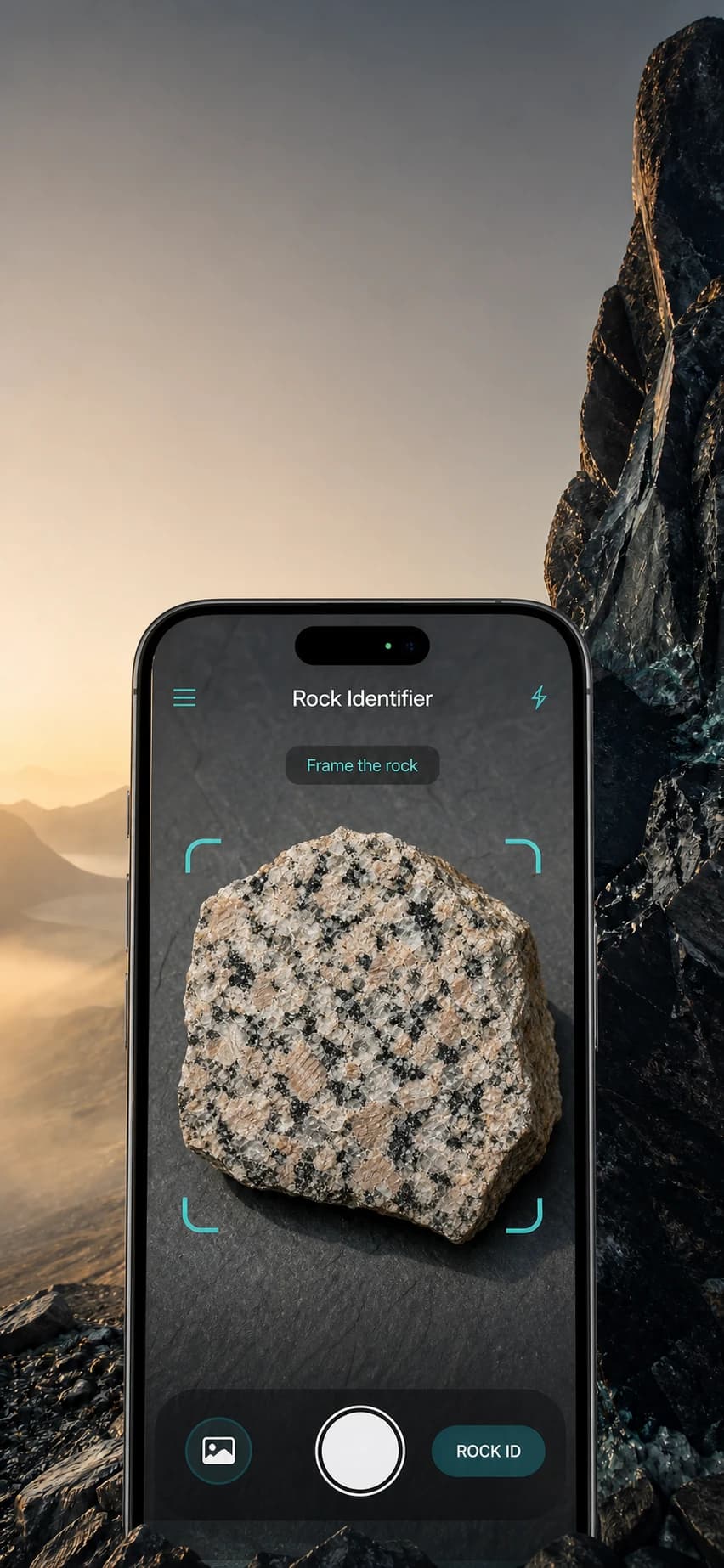
Start with Rock ID, Mineral ID, or Fossil Check using the camera or a library photo.
Visible Evidence
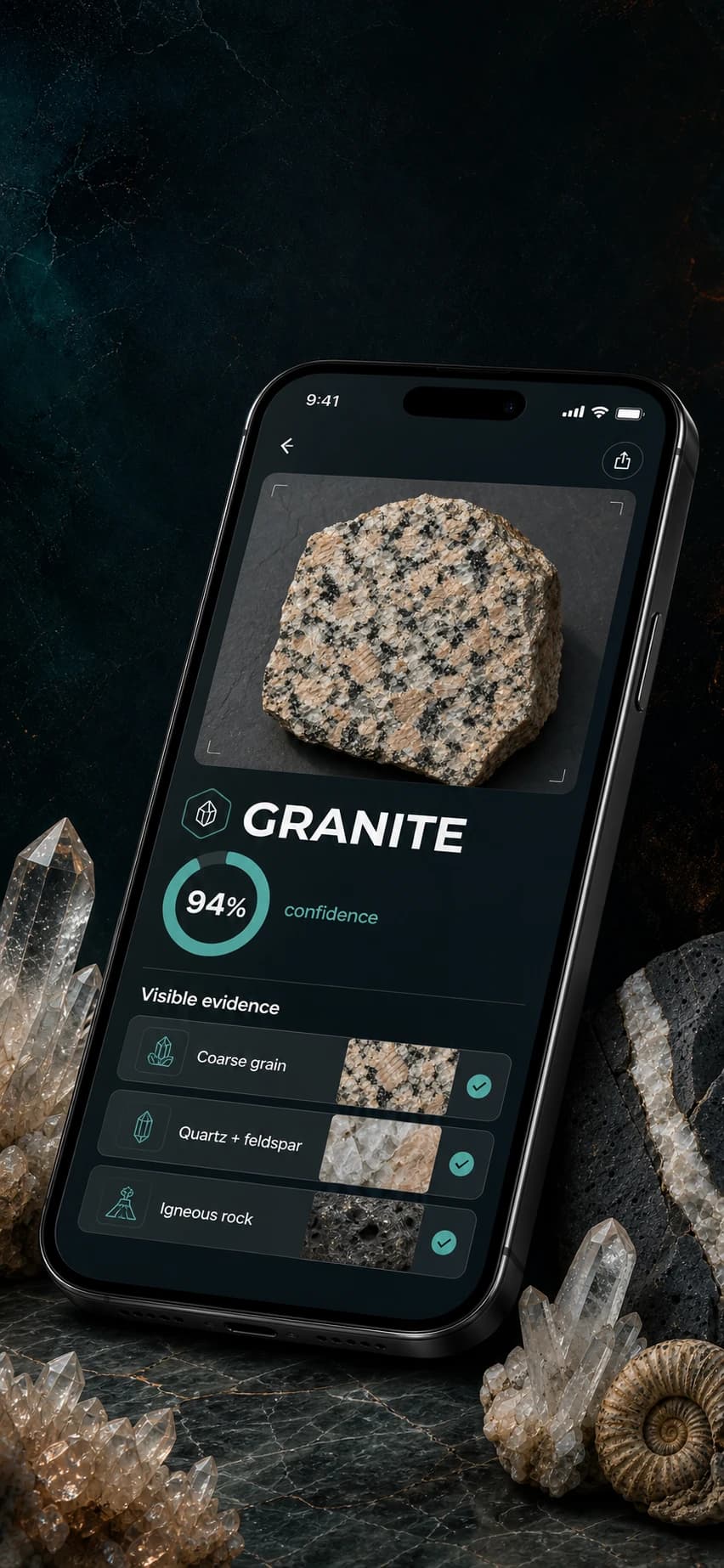
Review texture, grain, luster, structure, and other visible clues behind each suggested match.
Confidence-Aware Results
See confidence cues and know when a clearer angle or additional observation may improve the assessment.
Lookalikes & Formation
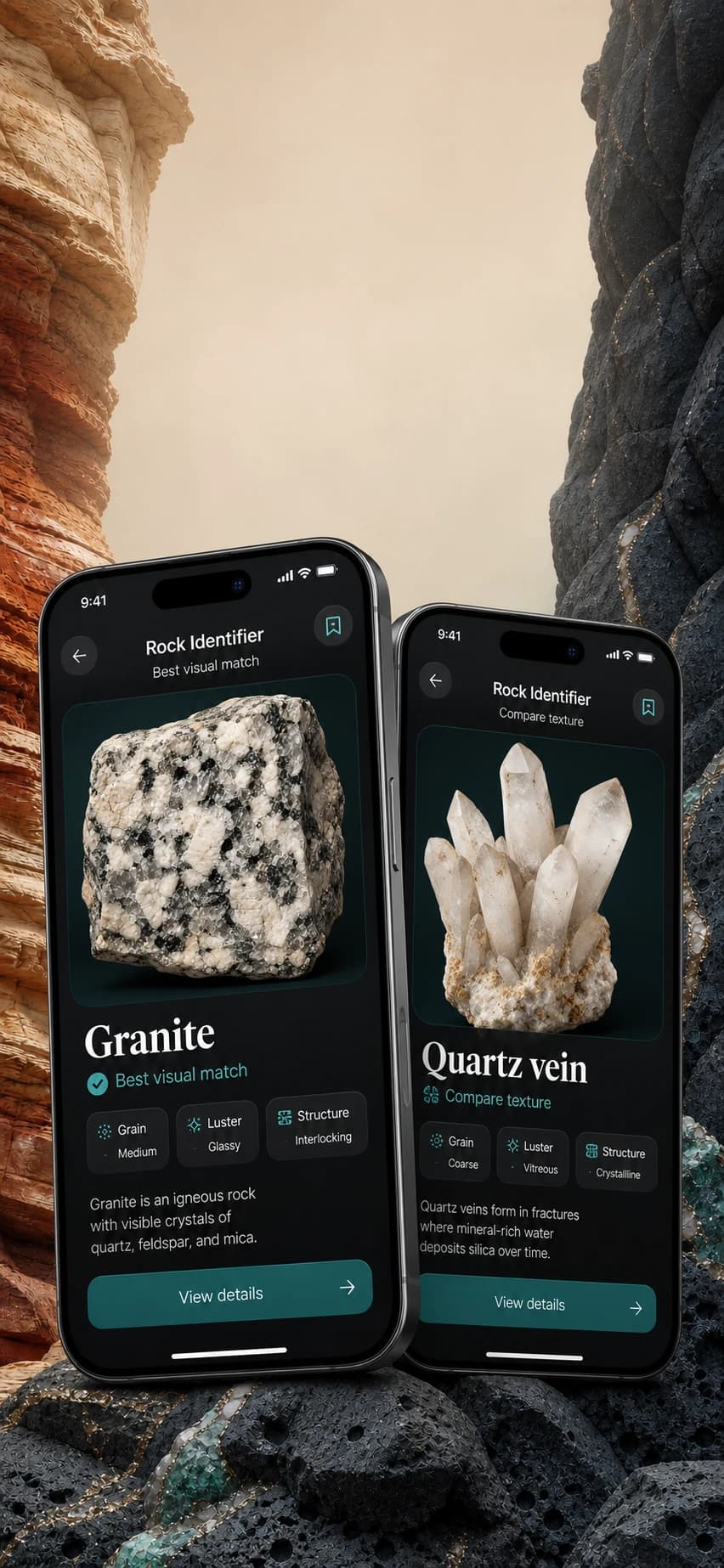
Compare close visual alternatives and learn how the likely specimen may have formed.
History & Collection
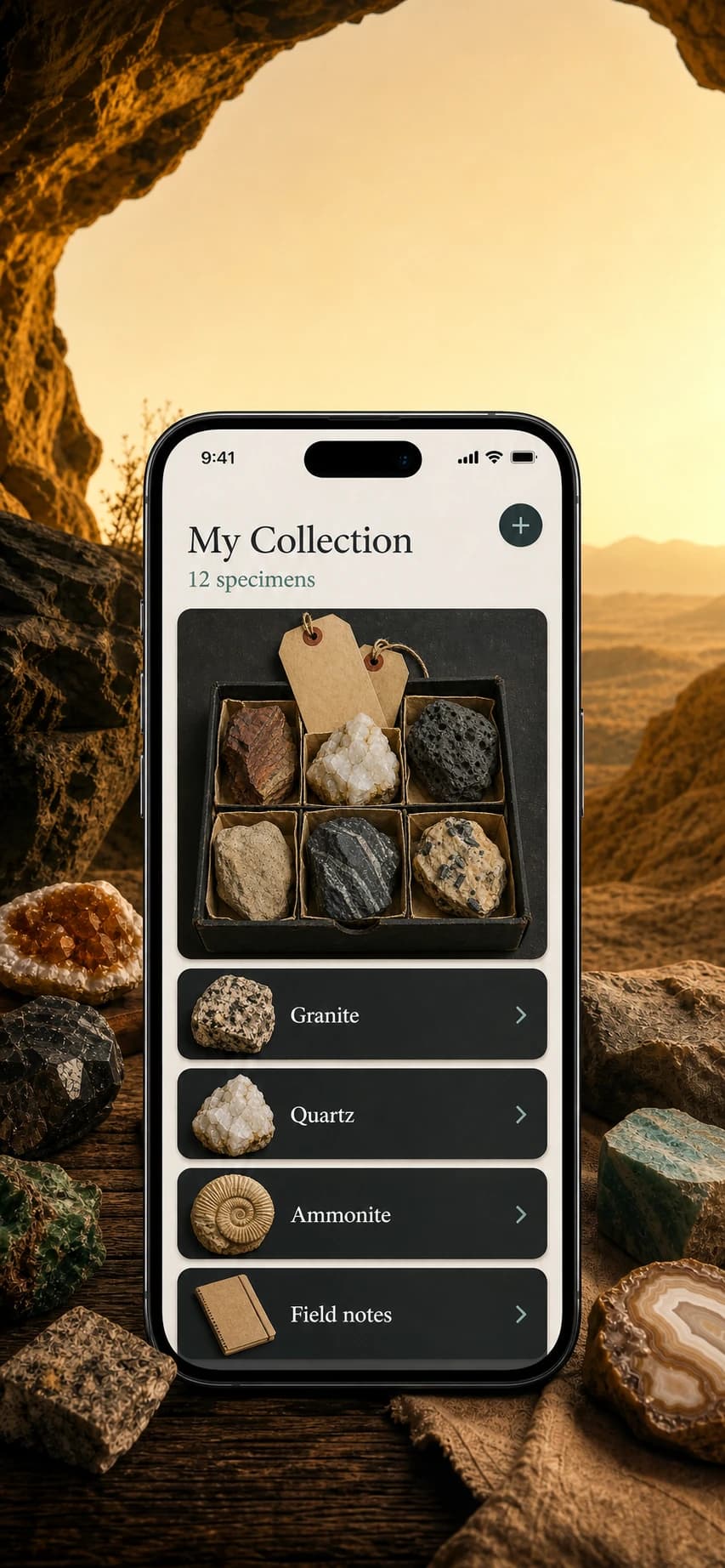
Save useful results, revisit analyses, and build a personal specimen collection on your device.
Field-Friendly Workflow
Capture a specimen, review the evidence, and keep practical field notes in one place.
English & Turkish
Use the current App Store version in its two officially listed languages: English and Turkish.
Privacy-Conscious
Photos are transmitted securely for requested analysis; feedback never attaches your specimen photo.
How It Works
A Careful Result in 3 Steps
Choose the right identification mode, capture visible details, and review the evidence before saving a result.
Capture the Specimen
Photograph the rock, mineral, crystal, or possible fossil in clear, even light.
AI Visual Assessment
Rock Identifier evaluates visible texture, grain, luster, structure, and shape.
Review the Evidence
Compare the suggested match, confidence, lookalikes, formation context, and field notes.
Screenshots
See It in Action
Explore instant identification, visible evidence, close lookalikes, and your saved collection on iPhone.
FAQ
Rock Identification Questions
Important details about visual AI assessments, supported specimens, privacy, and subscriptions.
What is Rock Identifier?
Rock Identifier is an AI-assisted iOS app for visually assessing rocks, minerals, crystals, and possible fossils from a photo. Results include confidence cues, visible evidence, close lookalikes, and formation context.
Is Rock Identifier a laboratory test?
No. Results are educational visual assessments, not laboratory confirmation, professional geological advice, safety certification, monetary appraisal, or environmental guidance.
What can I identify?
Use Rock ID for rocks, Mineral ID for mineral and crystal specimens, and Fossil Check for possible fossils. Clear photos with visible texture and structure produce the most useful evidence.
How can I improve a result?
Use even natural light, avoid glare, keep the specimen sharp, show texture and grain, and try more than one angle when the surface is weathered or wet.
What happens to my photos?
A selected photo is transmitted securely to the AI service needed to generate the requested result. Identification history and saved collection entries remain on your device. Feedback does not attach your specimen photo.
How do subscriptions work?
Web Premium is sold separately through Paddle in weekly and yearly plans and renews until canceled from the secure billing portal. Mobile-app purchases are billed by the applicable app store and do not unlock web Premium.
Ready to Examine Your Next Specimen?
Download Rock Identifier on the App Store and turn a clear photo into a structured visual assessment.